In this exercise you will model the Connector Block shown below. It too builds upon the tasks you have learned in the previous exercises. You will draw curve profiles and then turn them into part features. The Graphic Manipulator is again used extensively in this exercise as well as modeling from multiple viewports. Again, just go slowly and save your work often and Undo if needed.
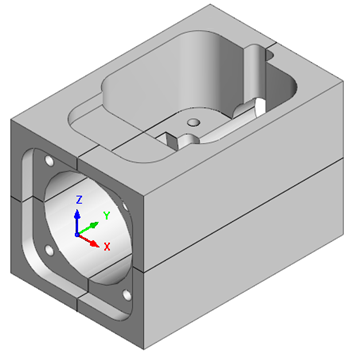
Model a Connector Block

In this exercise you will perform the following VisualCAD tasks: |