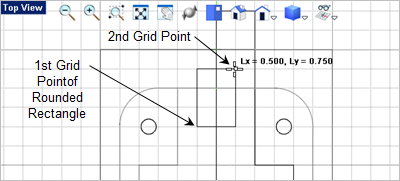
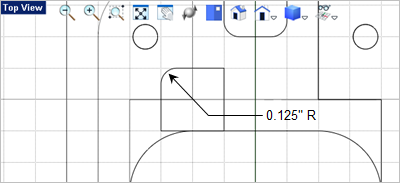
In this step we need to make a few modifications to the top access. The first is an extruded cut at the back of the access. The second is a revolved cut. 1.Activate the 2.From the 3.For the first and second corners of the rectangle select the grid points shown below.
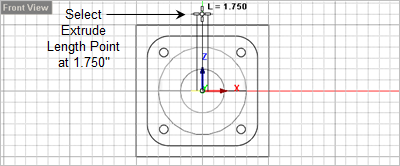
4.For the corner radius, enter 0.125 in the command window 5.Now select the rectangle and from the 6.Move to the
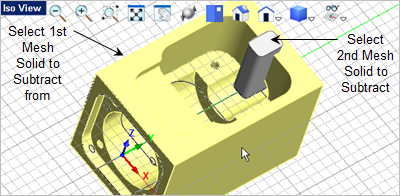
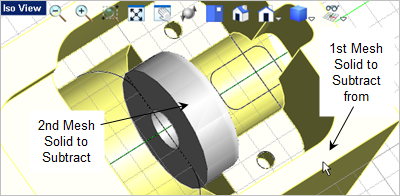
7.Now go to the 8.For the first mesh solid select the body. For the second mesh solid select the extrusion.
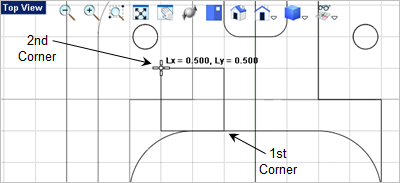
9.For the second modification, got to the 10.Select the two corner grid points shown below.
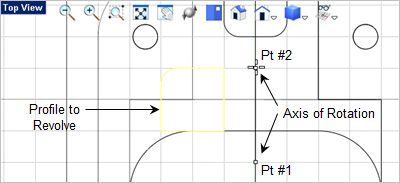
11.Now we need to fillet one of the corners. From the 12.In the command prompt 13.Now select the top and left side of the rectangle to fillet the upper left corner as shown below.
14.We need to revolve this, so select the closed rectangular profile, go to the 15.For the axis of revolution, select the two grid points shown below.
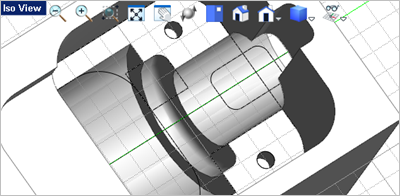
16.Now subtract the revolve from the body. From the 17.For the first mesh solid select the body and for the second select the revolve.
|