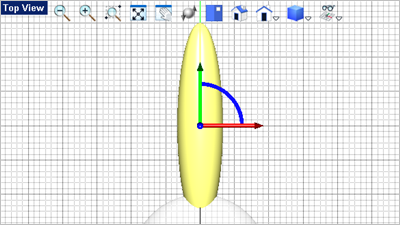
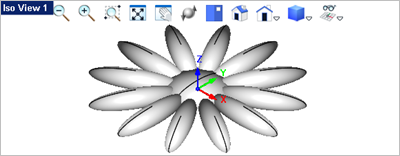
In this step you will create a polar array of the pedal sphere we just created. 1.Activate the Top View 2.Select the solid sphere pedal you just created in the previous step.
3.Select the Transform 4.Select the Polar Array
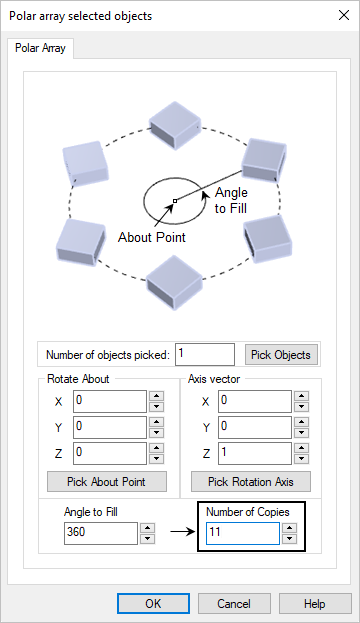
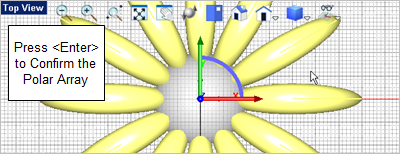
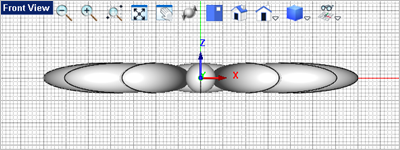
5.In the Number of Objects field, enter 11. 6.The remaining options in the dialog should use the default values shown in the dialog above. 7.Pick OK from the dialog to create and preview the polar array. 8.Press <Enter> to accept the polar array. Your drawing should look like the images below. If not, select the Undo
|