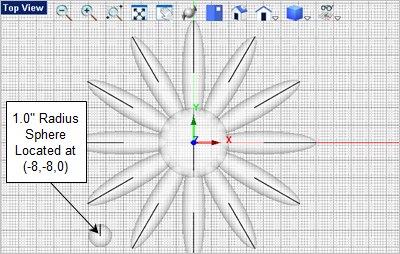
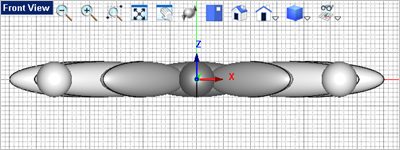
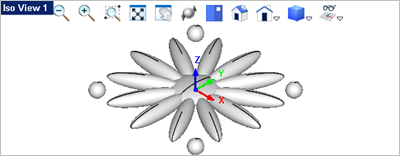
In this step you will create the four spheres located in the outer corners of the design. Note: You can replace the Solid commands with Mesh commands if desired. 1.Activate the Top View 2.Form the Solid Modeling 3.In the Status Bar make sure the Grid Snap is On 4.For the center point select the grid point at (-8,-8,0) or just enter the coordinates -8,-8,0 in command input bar 5.For the sphere radius, enter 1.0 in the command input bar
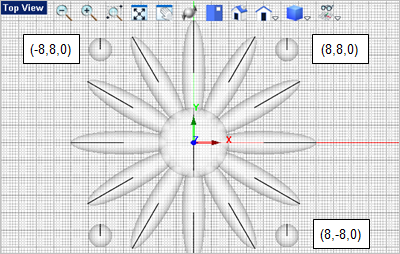
6.Press <Enter> to repeat the Solid Sphere 7.Create the three additional spheres located at the coordinates shown in the illustration below.
|