In this step we will create the upper pocket and subtract it from the body. 1.From the Top View
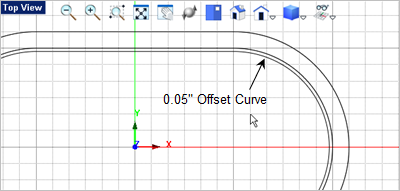
2.With the curve select, go to the Curve Modeling tab 3.Drag the offset direction to the inner side of the curve and then enter 0.05
4.Now select the offset curve, go to the Mesh Modeling tab 5.Drag the cursor down to the Front View
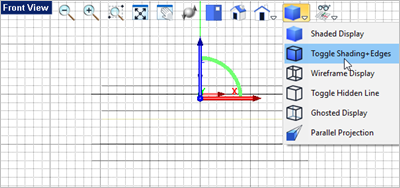
6.Now to see the pocket mesh solid, from the View Toolbar
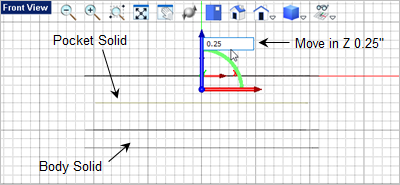
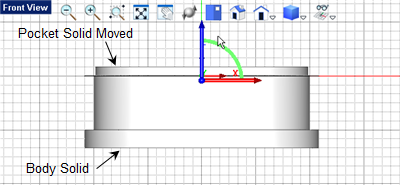
7.We want to move the pocket mesh solid so make sure the Graphic Manipulator icon is still toggled on 8.With the Front View 9.Select the blue Z Axis arrow and enter 0.25
10.From the View Toolbar
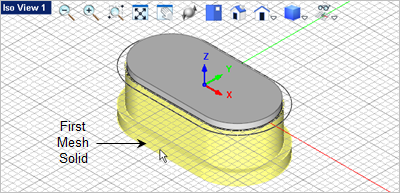
11.Now lets subtract the pocket from the body. From the Mesh Modeling tab 12.For the first mesh solid select the body. This is the solid that will be subtracted from. You can do this from any Viewport. We will select it from Iso View 1
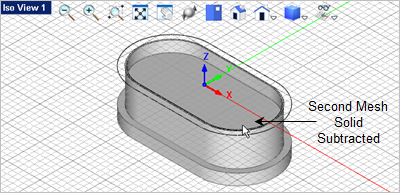
13.Now for the second mesh solid, select the pocket solid and it will be subtracted from the body.
|
 select the profile curve of the body by clicking on it and selecting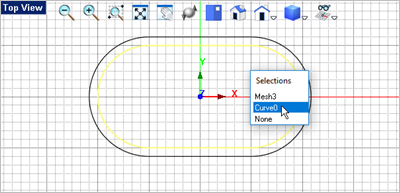
 and select the
  command.
 and press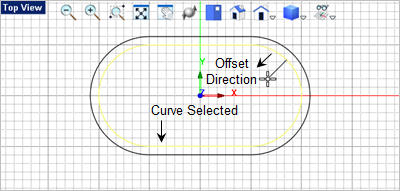
 and select the
  command.
 and select the grid point at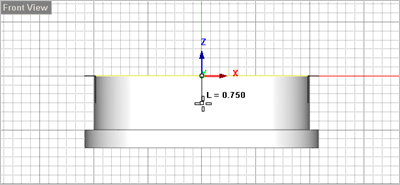
 select the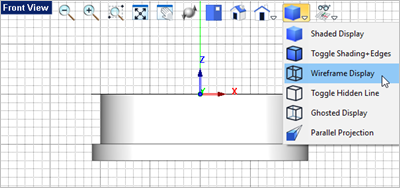

 command.
 .
.