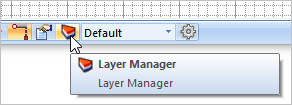
In this step we will create a new layer, turn it off and the move our curves to it to hide them from the display. 1.From the Status Toolbar, select the icon to display the Layer Manager
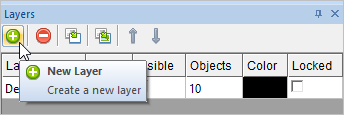
2.At the top of the Layer Manager select the New Layer icon and a new layer will be added to the list.
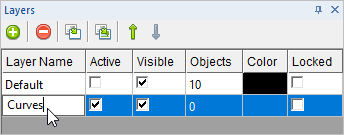
3.Now double-left click on the New Layer name and type in the names "Curves" and press <Enter>.
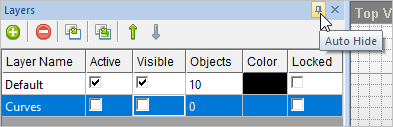
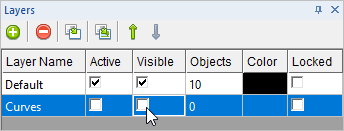
4.Now to hide the Curves layer first check the box to make the Default layer the Active layer. 5.Then uncheck the box to make the Curves layer hidden.
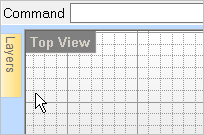
6.Now let's Auto Hide the Layer Manager. Select the Auto Hide pin
|
 .
.
 icon located at the top right of the