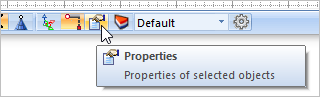
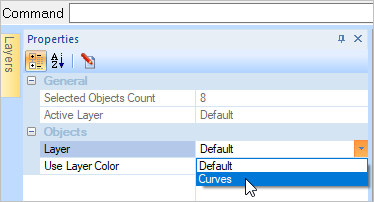
In this final step we will select all of our reference curves and edit their properties so that they are moved to a layer whose visibility is currently off. 1.Let's start by selecting the Properties icon
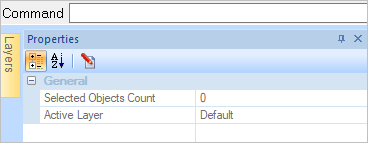
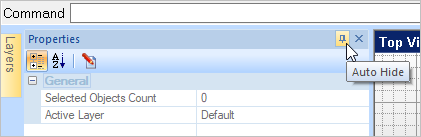
2.You will see the Properties Manager dialog display om the left side of the display.
3.Now we will automatically select all of our curve geometry. Go to the Modeling Aids tab and select pick the Select by Type
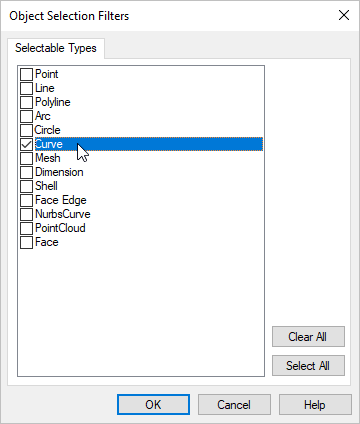
4.From the dialog check the box for Curves and uncheck all other boxes and then pick OK to close the dialog. You will see that all of the curves are highlighted for selection.
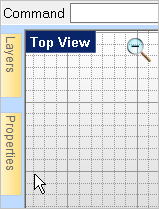
5.Now close the Properties Manager by selecting the Auto Hide pin located at the top right of the Properties Manager.
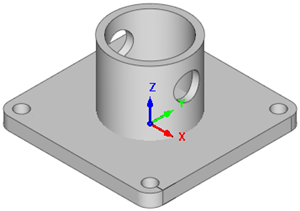
6.This exercise is complete and your part now looks like this: 7.Save the file as Base_Plate_Completed.vcp.
|

 icon).