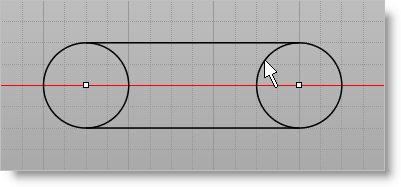
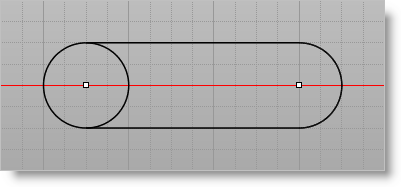
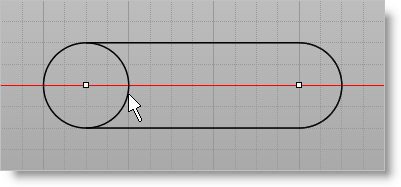
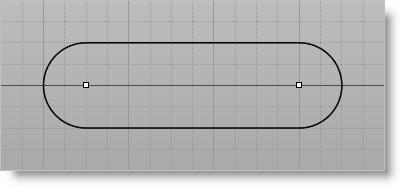
The circles must be trimmed. 1.Select the Curve Modeling tab 2.Select Trim 3.Click on the portion of the circle you want to delete.
4.Repeat for the circle portion on the other side.
|
|
<< Click to Display Table of Contents >> Navigation: VisualCAD > Exercises > #3: Model a Spanner Plate > Exercise #3: Trim Curves |
The circles must be trimmed. 1.Select the Curve Modeling tab 2.Select Trim 3.Click on the portion of the circle you want to delete.
4.Repeat for the circle portion on the other side.
|