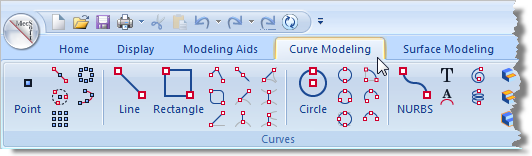
1.Select the Curve Modeling tab 2.Select the Curve Modeling Ribbon Bar:
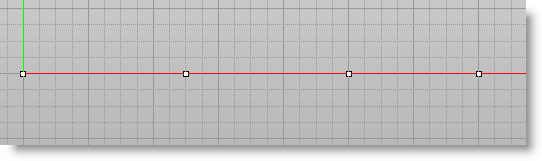
3.Select Point 4.Place the point at the Origin by moving the mouse cursor over to origin and with a Left Mouse Button Click or by entering 0,0 in the command bar 5.As you move the mouse on the viewport, the co-ordinate value at the mouse location is displayed under the status bar.
|

 .
. .
.