
Set the view to Top View. This can be done by selecting the Top View icon from the View Toolbar or the Orient pane of the Display Ribbon Bar. 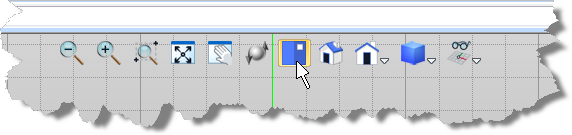 View Toolbar 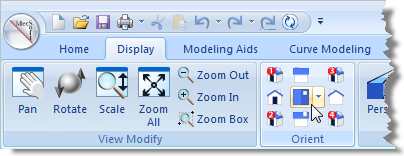 Display Ribbon Bar - Set to the Top View |
|
<< Click to Display Table of Contents >> Navigation: VisualCAD > Exercises > #3: Model a Spanner Plate > Exercise #3: Set to the Top View |
Set the view to Top View. This can be done by selecting the Top View icon from the View Toolbar or the Orient pane of the Display Ribbon Bar. View Toolbar Display Ribbon Bar - Set to the Top View |