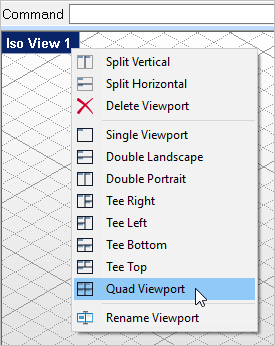
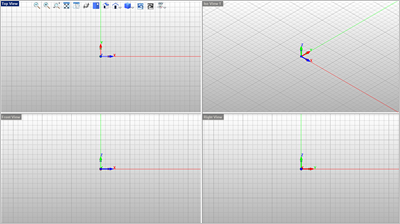
It is much faster to draw and model in VisualCAD if you have multiple Viewports displayed. Select the Home tab. 1.Right-click on the Viewport tab located in the upper left side of the window and select Quad Viewport.
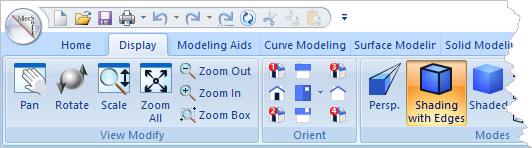
2.You can also select Display and Viewport commands from the Display tab of the VisualCAD Ribbon Bar.
|