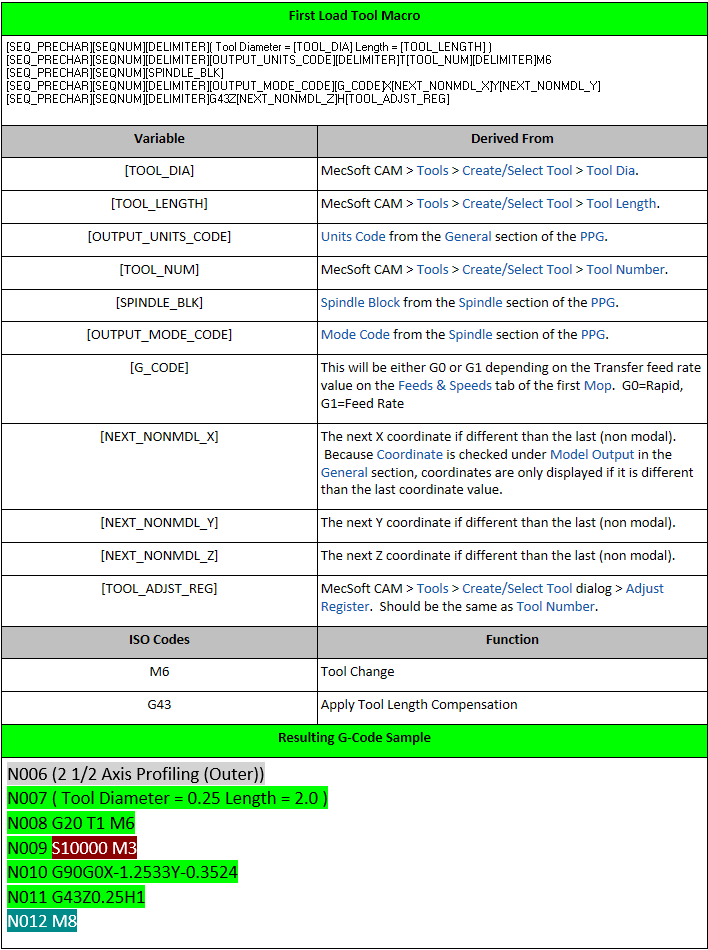
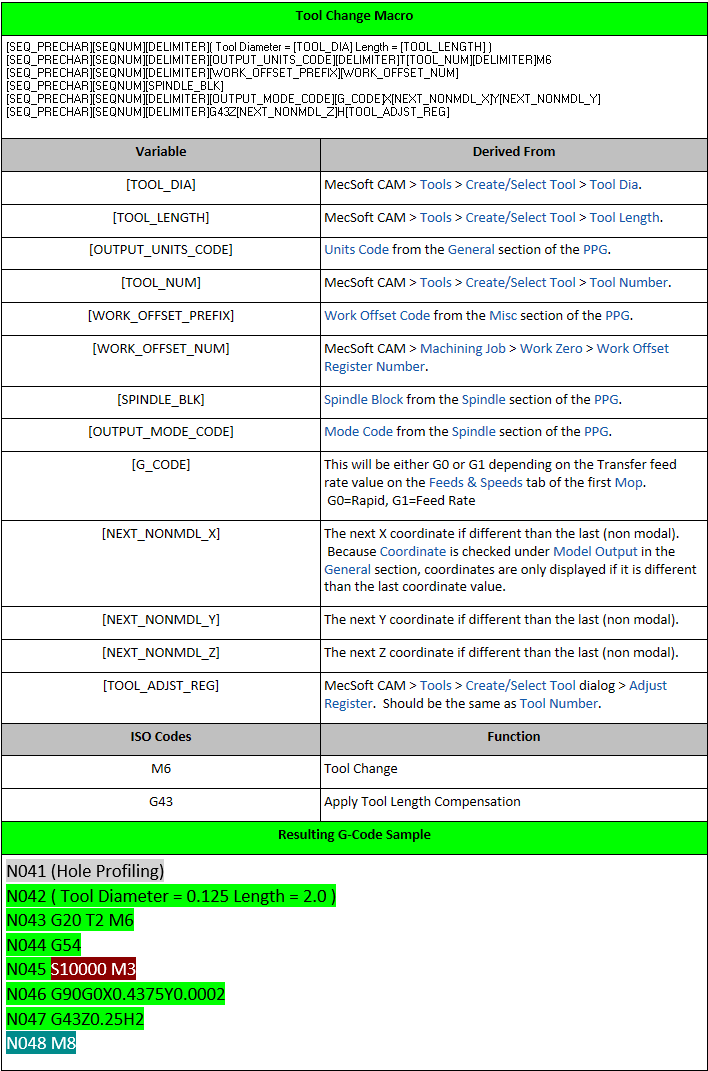
The Tool Change section of the PPG allows you to define the First Tool Load Macro and the Tool Change Macro for subsequent tool changes. These macros define all of the information your CNC controller needs to load and change cutting tools and move the tool into position.
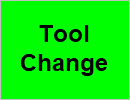
This is the color code for the Tool Change section.
This section is ignored if your CNC machine does not have an automatic tool changer. The reason these are called Macros is because they use nested variables. For example [SPINDLE_BLK] is the result of the Spindle Block Format code defined in the Spindle section of the PPG.
First you will notice that Output tool list as comments at start of program is checked. Because Comments are enabled in the General section of the PPG, the following comments are listed at the top of the G-Code file:
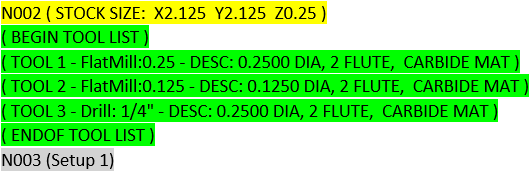
Output tool list as comments
Now onto the macros.
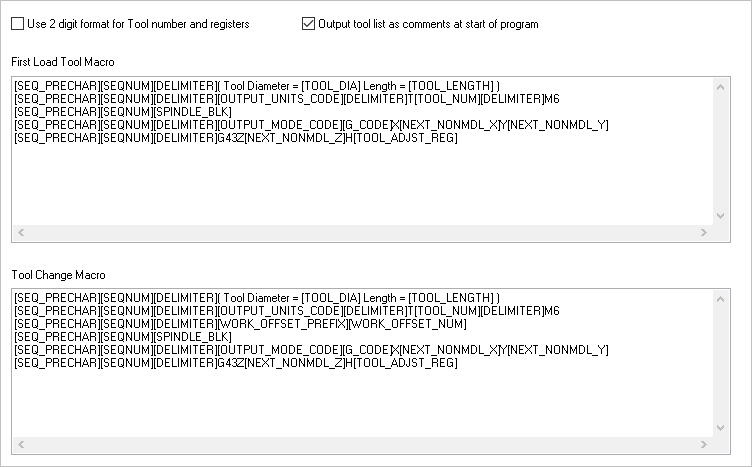
The Tool Change section of the Post-Processor Generator (PPG) dialog for our haas-blog.spm post definition file.