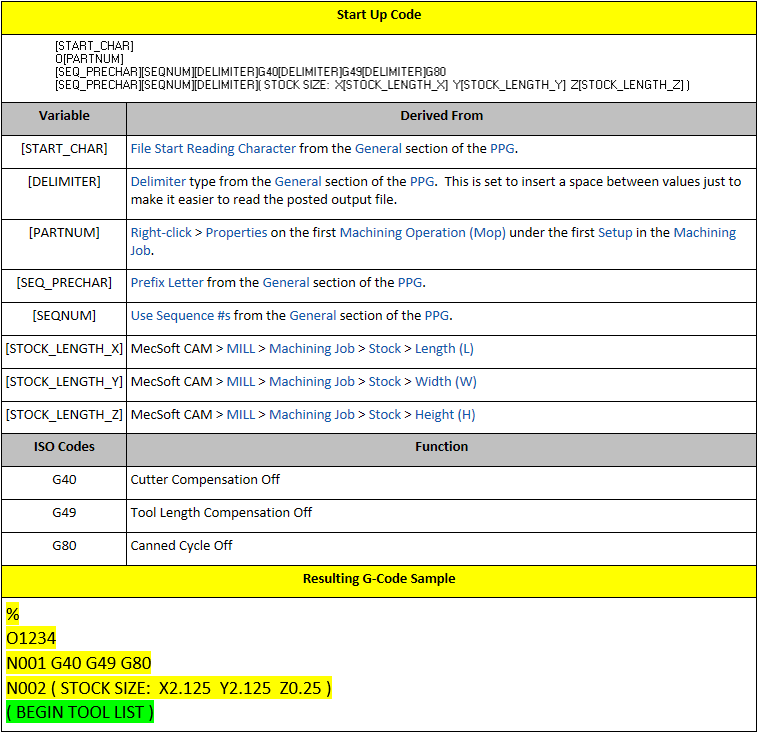
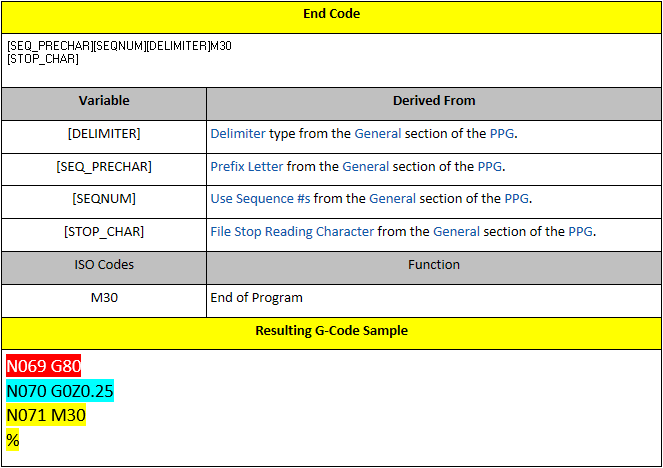
The Start/End section of the PPG allows you to define how the start and end sections of the G-Code file are formatted and what codes are included in these sections. The Start Up section typically includes codes to make sure various machine functions are turned off. We have customized it to add the stock size.
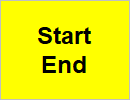
This is the color code for the Start/End section.
The tables below lists Start Up Code and the End Code along with the variables used and how those variables were defined. Note that variables are written within brackets [ ] and comments are written within parentheses ( ).
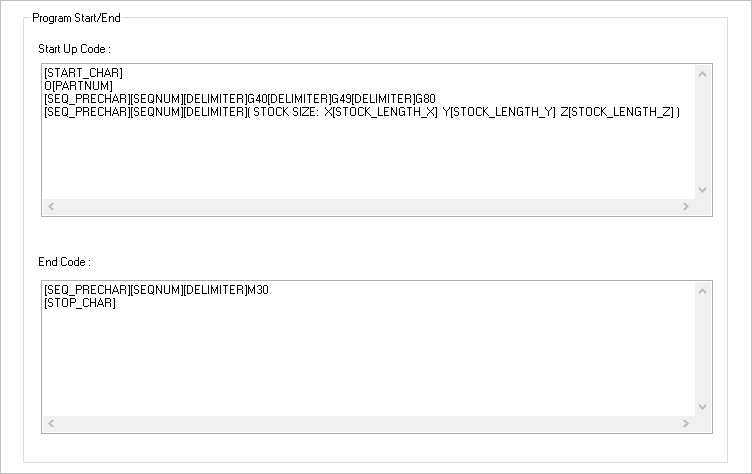
The Start/End section of the Post-Processor Generator (PPG) dialog for our haas-blog.spm post definition file.