

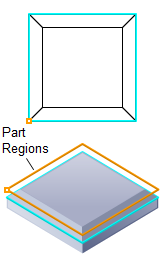
Chamfering, 2½ Axis
Deburring is similar to the Chamfering operation. This method breaks sharp corners by selecting a 2D Curve/Polylines or face edges as a region and the toolpath is generated using either a Ball, Flat, Corner Radius, Chamfer or Taper mill. You can specify the Sharpness Angle, Width/Height and Tooltip Clearance. If you do not select any edges to deburr in the Control Geometry tab, the operation analyzes the entire part and locates edges top deburr.

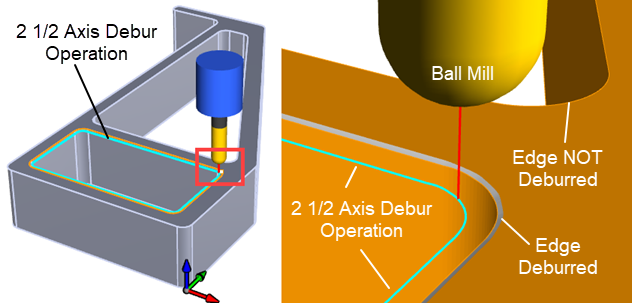 2½ Axis Deburring using a Ball Mill |
The Deburring toolpath method is invoked by selecting the Program tab, clicking on the 2½ Axis button in the Machining Browser and selecting the Deburring Operation. 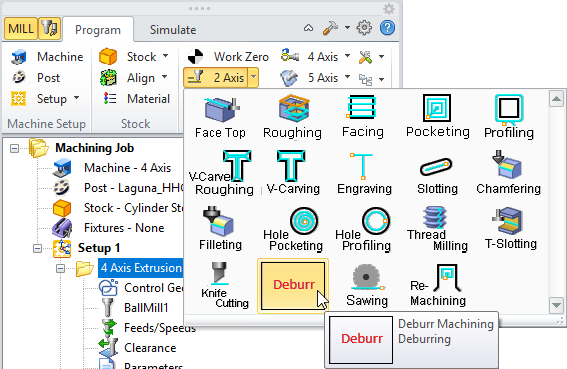 2½ Axis Deburring Menu Item |
This dialog shows the Cutting Parameters tab of the 2½ Axis Deburring operation. Refer to the 2½ Axis Deburring Cut Parameters tab (in the Contents on the left) for information on each of the parameters shown in the dialog below. The dialog that is invoked when you choose the Deburr method from the 2½ Axis menu. 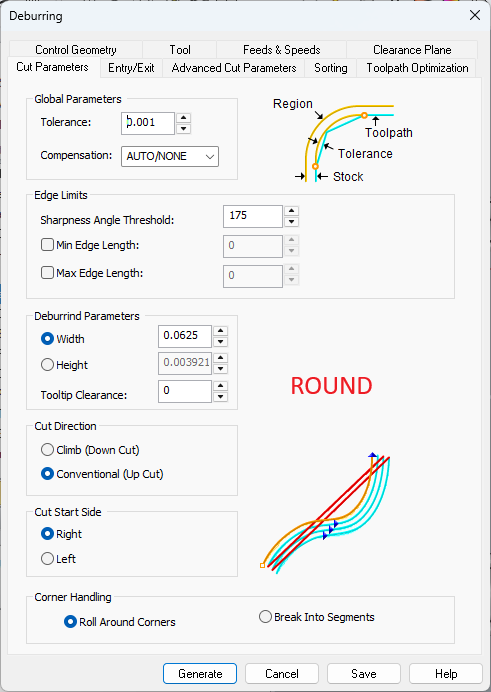 Dialog Box: 2½ Axis Deburring |