 The section below details all of the 2½ axis machining operation types that can be created in MILL module.


In 2½ Axis Machining you can generate toolpaths from either 2D drawings or 3D models. When using 2D geometry, care must be taken to ensure the proper cut depths are entered into the machining dialogs. When using 3D models, cut depths can be calculated automatically from the the geometry. Examples of both types of geometry are shown below. 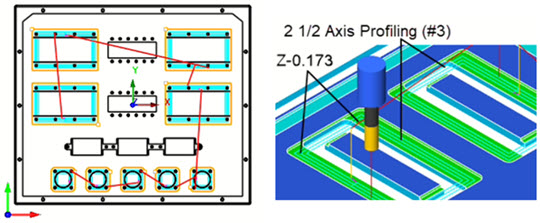 2½ Axis Machining from a 2D Drawing 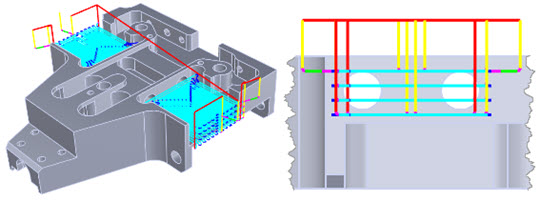 2½ Axis Machining from a 3D Model |