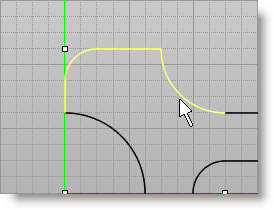
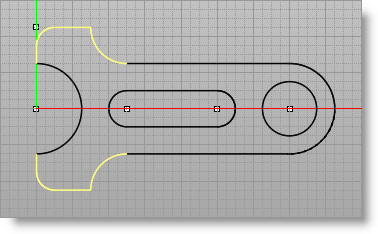
We will now select the 4 curves that form the head of the spanner and mirror them. 1.Select the 4 curves as shown below. Hold down the Ctrl key to select multiple objects.
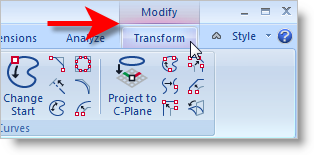
2.With the 4 curves selected, you will notice that VisualCAD's Modify mode automatically becomes active and that the Transform Ribbon Bar becomes available. Refer to the menu image below:
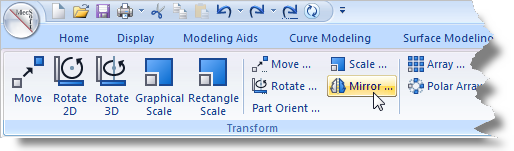
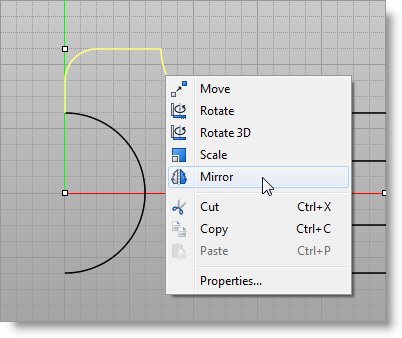
3.Now there are two methods to activate the Mirror command. Select the method that suits you best.
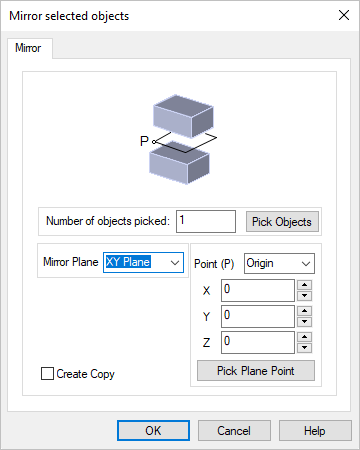
4.From the Mirror selected objects dialog box:
|