

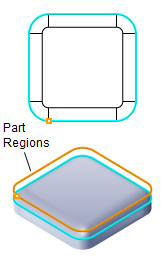
Filleting, 2½ Axis
Filleting is similar to the Profiling operation. This method creates a fillet by selecting 2D Curve/Polylines or face edges as a region and the toolpath is generated using a Corner Radius Mill. This operation works just as well if the fillet feature is not present on the part simply by adjusting the Location of Cut Geometry to be At Top or At Bottom. Additional cut parameters similar to Profiling are available.

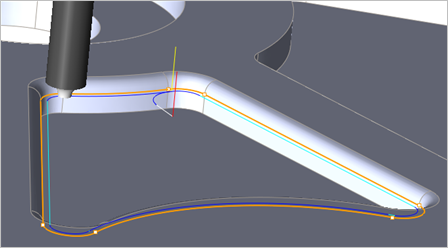 Filleting outer edges using a Corner Radius Mill |
The Filleting toolpath method is invoked by selecting the Program tab > 2½ Axis > Filleting from the Machining Browser shown below. 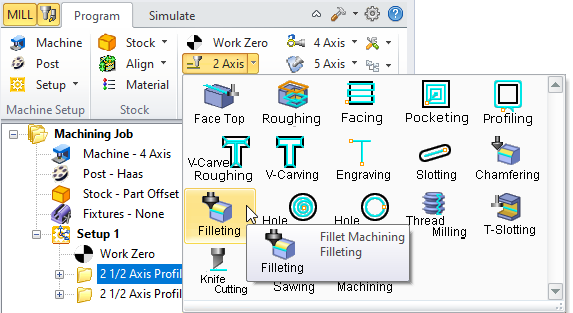 2½ Axis Filleting Menu Item |
The following dialog contains the 2½ Axis Filleting parameters. 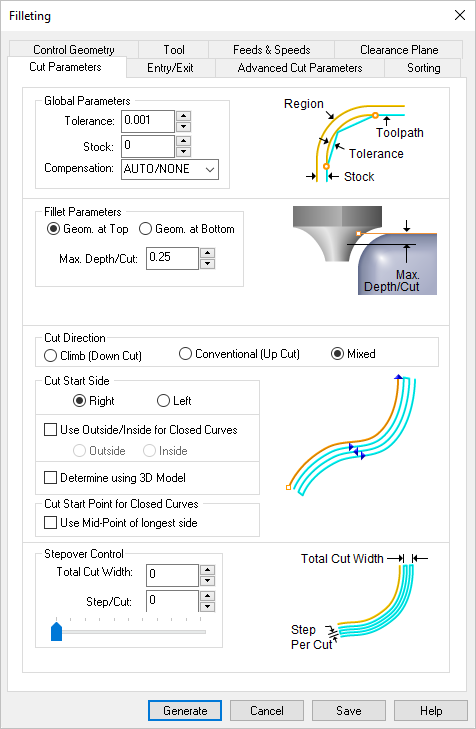 Dialog Box: 2½ Axis Filleting |