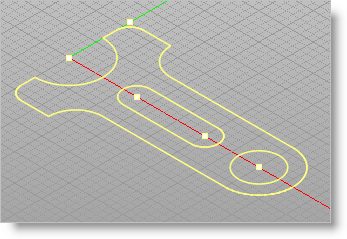
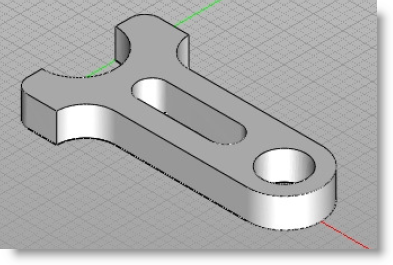
Now to complete the exercise we will extrude our 3 curves to create the final Spanner 3D model. 1.Select all the curves by using a crossing window selection: 2.Select the 3 closed curves. 3.Select Iso from the View Toolbar
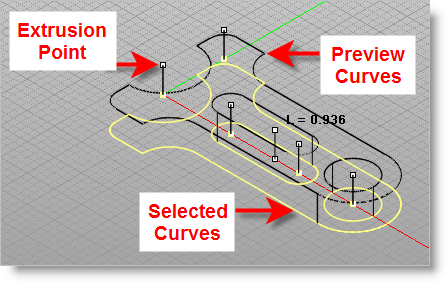
4.From the Solid Modeling Ribbon Bar, select Extrude. 5.Preview curves will appear to determine the direction of extrusion.
6.Save the file as Spanner_Completed.vcp. |