

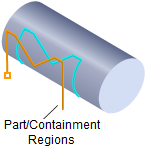
Engraving, 4 Axis
Curves can be selected and the tool follows the curve as the table rotates. You can specify multiple depths of cut for the engraving option. Optionally you can choose to project the curves to the surfaces below before machining. This method is useful for inscribing text onto the part geometry in 4 axis mode.

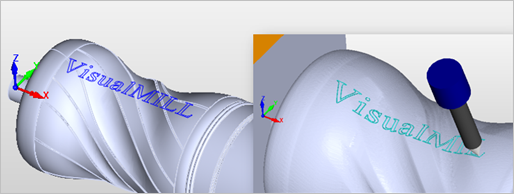 4 Axis Engraving |
The Engraving toolpath method is invoked by selecting the Program tab, clicking on the 4 Axis button in the Machining Browser and selecting the Engraving Operation. 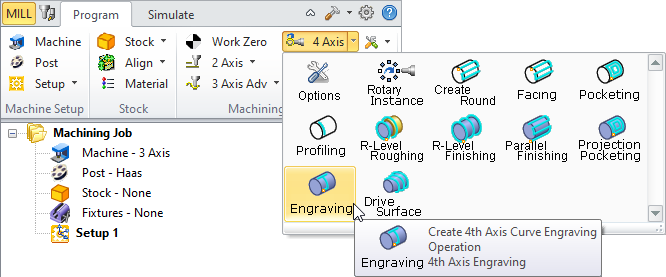 4 Axis Engraving Menu Item |
The dialog that is invoked when you choose this toolpath method is shown below: 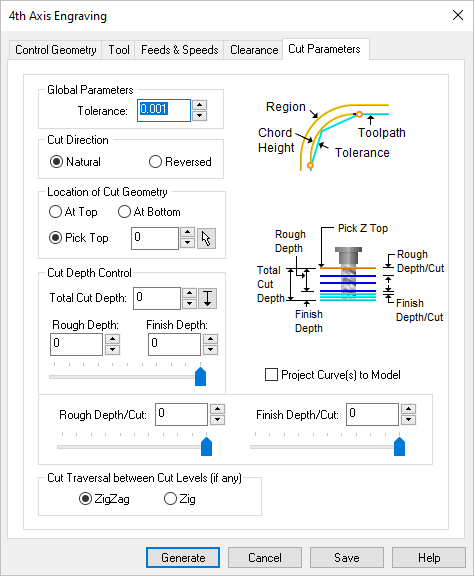 Dialog Box: 4 Axis Engraving Operation |