The Regions tab of the Machining Objects Browser allows you to:
•Create pre-defined machining regions
•Specify Start Point for closed curves
•Reverse Curve Direction
•Create Automatic Bridge points
•Manually Define Bridge Points
•Edit Bridge points
•Editing predefined regions (see Right-click Options on Predefined Regions)
•Delete Bridge Points
These can then be selected as machining features for generating machining operations.

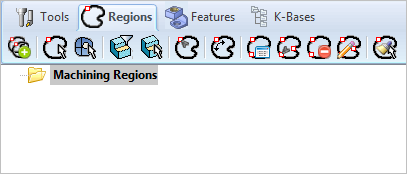 The Regions tab of the Machining Objects Browser |