Drilling, 2½ Axis
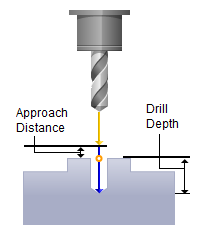
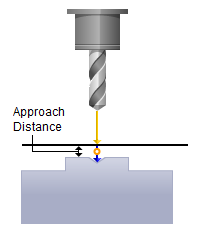
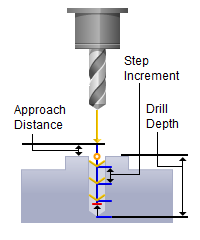
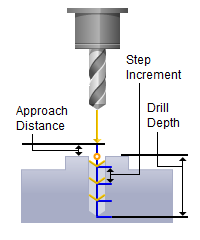
The Drill cycle is used to cut holes in the part. The drilling toolpath method is invoked by selecting the Program tab, clicking on the Holes button in the Machining Browser and selecting the Drill operation. Note: For each tab in the dialog, select a topic from the Contents on the left.


The Drilling toolpath method is invoked by selecting the Program tab, clicking on the Holes button in the Machining Browser and selecting the Drill operation. 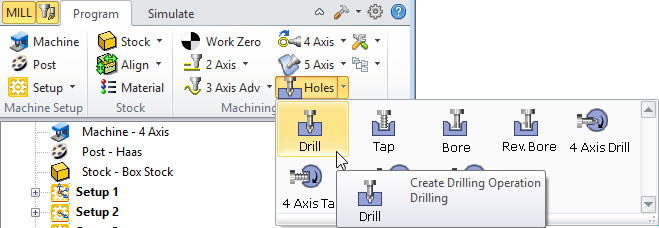 2½ Axis Hole Making, Drill Menu Item - Premium Configuration Shown 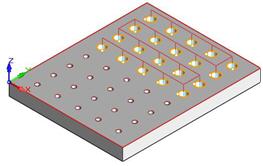 2½ Axis Drilling Example |
The toolpath generated depends on your defined parameters. The various parameters that you can set can be seen in the dialog box that is invoked when you choose the Drill operation. This dialog box is shown below. 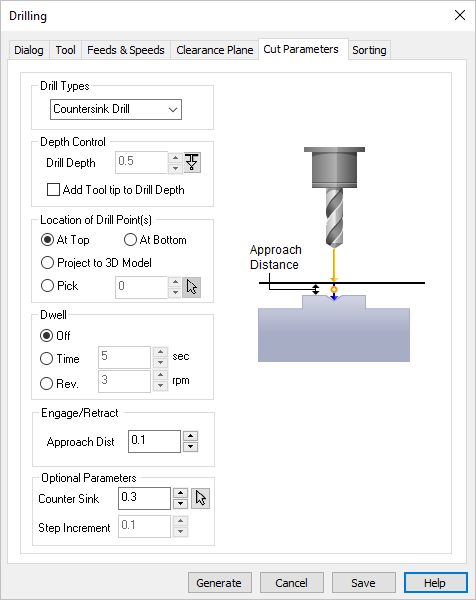 Dialog Box: Cut Parameters tab, 2½ Axis Drilling |
|
||||||||