Use the Backplot tab of the Toolpath Editor to perform a backplot of the tool motions contained within the active toolpath. This is similar to a cut material simulation but is performed with only the toolpath and the tool.
Note: You MUST perform a cut material simulation prior to utilizing the commands on this Diagnostics tab.

1.You must first perform a cut material simulation of the Machining Operation (Mop) using the Simulate tab. 2.If errors occur during the simulation accept them and continue the simulation to the end of the toolpath. 3.
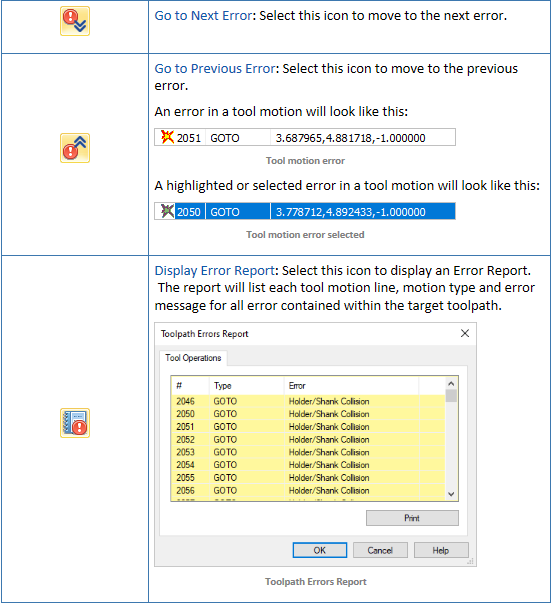
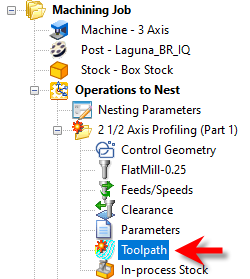
4.From the Toolpath Editor select the Diagnostics tab. From here you can navigate through each error and also get an error report |

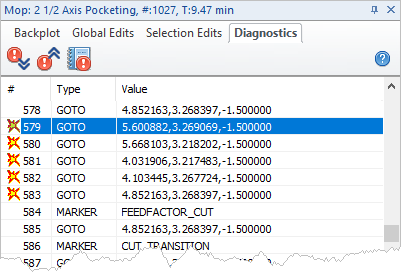 Diagnostics tab, Toolpath Editor |
|