
 This method will create a Round from your Stock. For example if you have defined a rectangular stock, this operation will use the current part geometry and additional Cut Parameters such as Stock allowance, Cut Direction, Cut Pattern, etc. to create a 4 Axis toolpath to clear the required stock material to create a round cylinder. This method requires that the Stock type be defined.

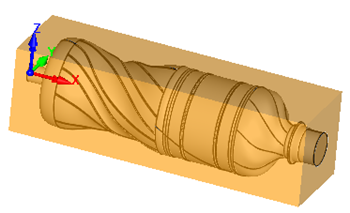 4th Axis Round (Part and Stock)
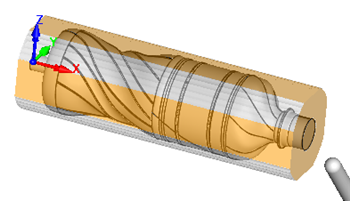 4th Axis Round (Cut Material Simulation) |
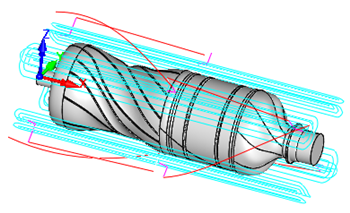 4th Axis Round (Toolpath) |
The Round toolpath method is invoked by selecting the Program tab, clicking on the 4 Axis button in the Machining Browser and selecting the Create Round operation. 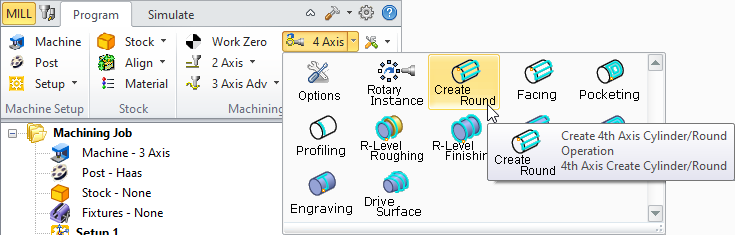 4 Axis Round Menu Item |
The dialog that is invoked when you choose this toolpath method is shown below: 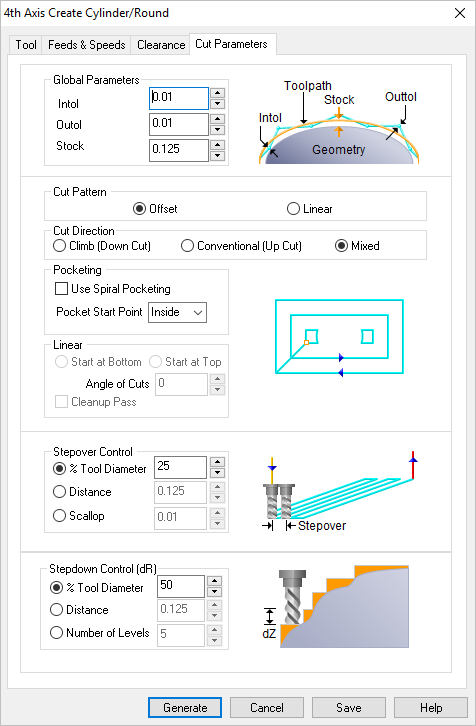 Dialog Box: 4 Axis Create Round Operation |