

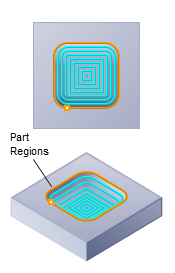
3D Offset Pocketing, 3 Axis
The 3D Offset Pocketing operation can be used for fine finishing surface bottoms in closed regions. The tool moves along these offset curves with a constant 3D step over while following the contours of the part below. Machining regions are necessary to be active for this cut method to work.

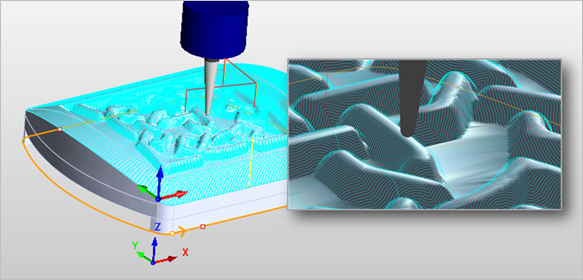 3D Offset Pocketing, 3 Axis |
The 3D Offset Pocketing toolpath method is invoked by selecting the Program tab, clicking on the 3 Axis Adv button in the Machining Browser and selecting the 3D Offset Pocketing Operation. 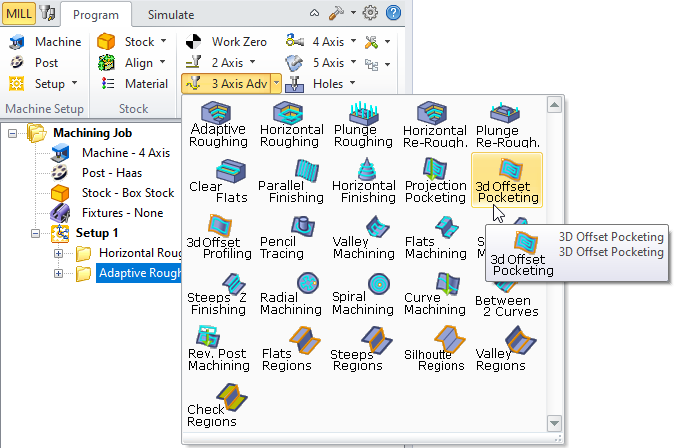 3D Offset Pocketing, 3 Axis Menu Item |
The dialog that is invoked when you choose this toolpath method is shown below: 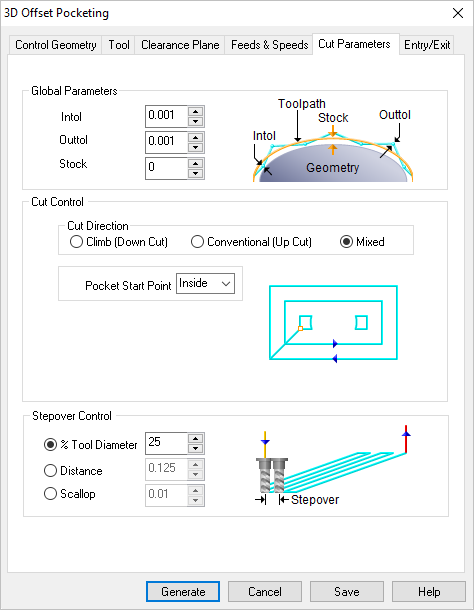 Dialog Box: 3D Offset Pocketing, 3 Axis |